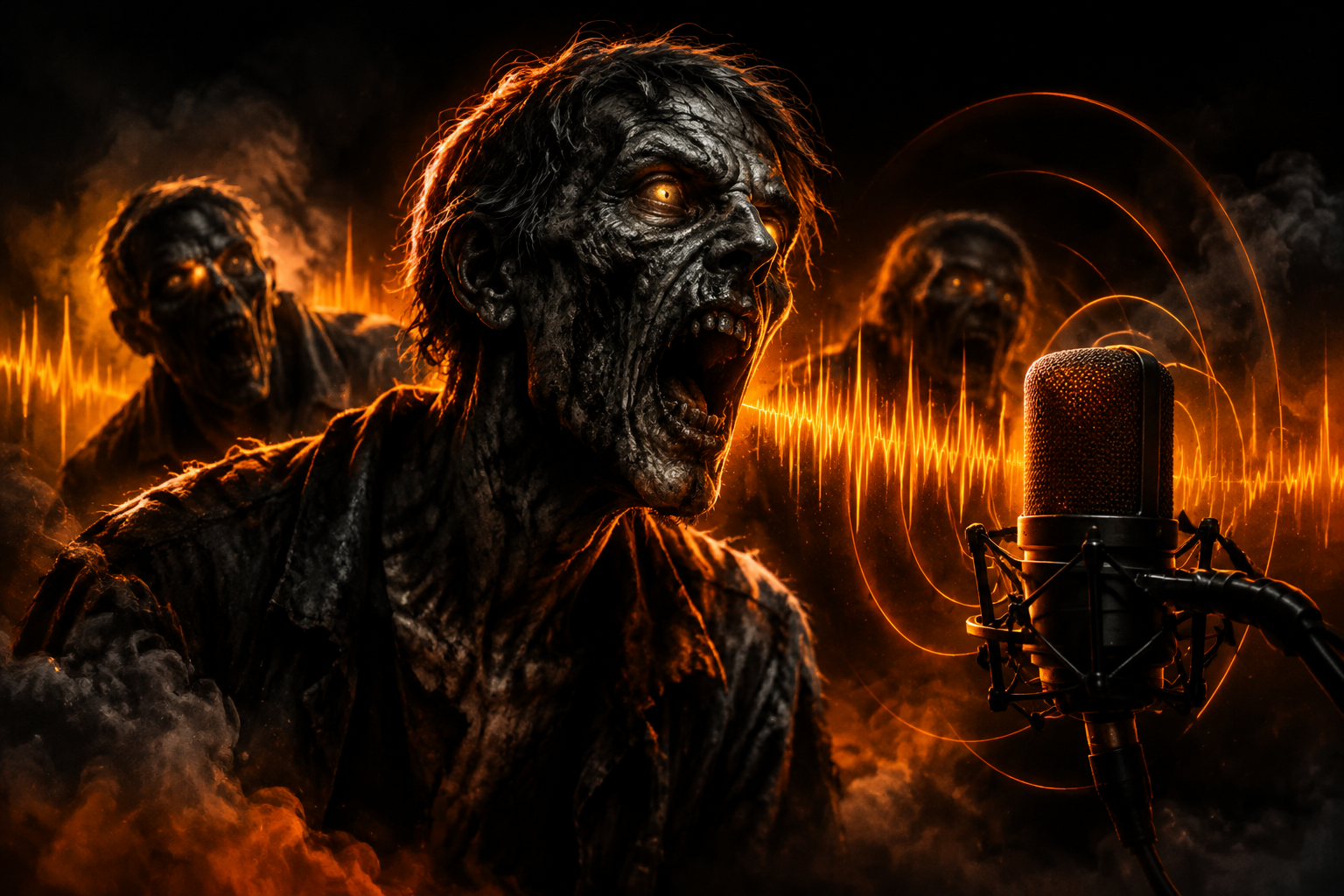
Zombie voice sound effects are the moans, gurgles, snarls, breaths and death rattles that make the undead feel alive on screen. The quickest way to get convincing ones is to start from a set recorded and designed for every action a zombie performs — idle, walk, attack, hit, fall and death — and then add your own lines when a character needs to say something specific.
Whether you are building a horror game, cutting a short film or posting a zombie skit for Halloween, the voice is what sells the creature. This guide explains what makes a zombie voice believable, how to use ready-made sounds without repeating yourself, and how to turn your own voice into an undead one.
What makes a zombie voice convincing?
A good zombie voice is less about volume and more about texture. Audiences read "undead" from a few recognisable ingredients:
- Wet, broken breathing — slow inhales and gurgling exhales that suggest a body that no longer works properly.
- Low, drawn-out moans — the classic idle sound that tells the player or viewer a zombie is nearby before they see it.
- Sudden snarls — short, aggressive bursts for the moment a zombie notices its target or lunges.
- Effort and pain sounds — grunts when it is hit, falls or gets back up.
- A final rattle — the death sound that closes the encounter.
The more of these states you cover, the more the creature feels like a character rather than a single looping sound effect.
Which zombie sounds do you need for a game or a film?
Think of your zombie as a list of actions, then make sure each one has its own sound — ideally several variations of it.
For games
- Idle: moans and breaths that play on a timer while the zombie wanders.
- Locomotion: walk and run vocalisations that match the animation speed.
- Alert and attack: snarls when the zombie spots the player, plus attack grunts on each swing or bite.
- Hit reactions and falls: short pain sounds, one per hit, and a heavier sound when it hits the ground.
- Death: a rattle or final groan, different from the hit sounds so players can tell the enemy is down.
For film, trailers and videos
- Atmosphere: distant moans layered under the music to build tension.
- Close-ups: detailed breaths and gurgles when the zombie fills the frame.
- Impacts: snarls timed to cuts and jump scares.
Why variations matter
The fastest way to break immersion is hearing the exact same moan three times in a row. Variations solve this: with several takes of each action you can pick one at random every time the sound plays. In a game engine, put the variations of one action in a list and choose one randomly on each trigger; in a video edit, alternate takes so that neighbouring zombies never sound identical.
Clear file names make this much easier. When every file is named by creature, action and variation — for example SB_Zombie_Walk_03.wav or SB_Zombie_Death_03.wav — you can find the right sound in seconds in Unity, Unreal, Godot, Premiere, DaVinci Resolve or Reaper.
Ready-made zombie sound effects: what to look for
If you buy a zombie sound pack, check these points before you download:
- Format and quality: uncompressed WAV at 48 kHz / 24-bit gives you room to pitch, stretch and process without artefacts.
- Coverage: idle, locomotion, attacks, hits, falls and death, not just a handful of screams.
- Variations: several takes for every action.
- Organisation: folders and file names you can understand at a glance.
- License: royalty-free, valid for commercial projects, with clear rules on what you can and cannot do.
The ScreamBeast Zombie Sound Effects Pack — Volume 1 was designed with exactly this checklist in mind: 84 royalty-free WAV files at 48 kHz / 24-bit with rotting moans, gurgles, snarls and death rattles, organised into 14 folders covering idle moans, locomotion, attacks, hits, falls, evil laughs and death rattles, with multiple variations of every sound. You can listen to previews such as Threatening, Evil Laugh, Walk, Abdomen Hit, Fall and Death directly on the pack page.
How do you make your own zombie voice?
Sometimes a scene needs a line no pack can give you: a zombie that mumbles a name, a narrator who turns undead halfway through a Halloween short, or a boss with its own personality. In that case, record your own performance and transform it.
- Record close and quiet. Use a quiet room, keep a steady distance from the microphone and wear headphones.
- Act the body, not just the voice. Slow breaths, half-swallowed words and short pauses do more than shouting. Never strain your throat: if it hurts, stop.
- Keep lines short. Short phrases transform more cleanly and are easier to edit.
- Transform it. In the ScreamBeast Voice Studio you can record with your microphone or upload a file, choose one of 34 creature voices — zombie presets such as Walker or Plague Whisper included — and listen to a free preview before downloading a clean WAV. New accounts get 5 free credits after email confirmation.
- Mix it in. Lower the voice under music, add a touch of room reverb that matches the scene, and layer a breath or gurgle from your sound library underneath for extra realism.
Zombie voices for Halloween videos, streams and horror projects
Zombies are a favourite for Halloween shorts, haunted-house audio, horror streams and game jams with a horror theme — and they work all year round in survival games and horror films. A few practical tips:
- Shorts and skits: start with a moan before the zombie appears on screen; sound first, picture second builds suspense.
- Haunted-house or escape-room audio: loop distant moans quietly and trigger close snarls when visitors approach.
- Streams: keep a few short snarls ready as sound alerts, and use the Voice Studio to give your own zombie character a voice.
- Horror game jams: one well-covered creature set saves hours — spend the time on gameplay instead of recording.
For a broader guide to spooky voices, read How to Make a Scary Voice for Halloween Videos.
Using zombie sounds commercially
Before you publish, check the license. ScreamBeast sound effects are royalty-free: you buy once and can use them in unlimited personal and commercial productions — games, films, trailers, ads, YouTube and streaming — without per-copy fees. What you cannot do is resell or redistribute the raw files as sound effects or sample packs. The full terms are on the license page.
Need more than one creature? The Creature Voice Bundle combines the Alien, Monster and Zombie packs: 288 WAV files in one purchase.
Conclusion
A convincing zombie is built from many small sounds: breaths, moans, snarls, hits and a final rattle, each with enough variations to avoid repetition. Start from a well-organised set of zombie voice sound effects, add your own transformed lines when a scene needs words, and mix everything so the undead sit naturally in your game, film or Halloween video.